Never wonder what your next video should be
Ask your clone what to make this week. It picks a timely topic and writes a brief you can approve in one reply.
The hardest part of posting consistently is deciding what to post. Video Planner has your clone look for a strong, timely topic that fits your channel and your audience, then build a production-ready brief around it: the angle, the video type, the length, the size and the visual style.
Approve it and your clone can hand it straight to production, or tweak the angle first and ask for a new version. Run it every week and you'll always have the next idea lined up, matched to a format that suits it, instead of staring at a blank page on posting day.
Just tell your clone: Video Planner
Type it the way you'd say it. Tap any line to copy it.
- What should my next video be about this week? Give me a brief I can approve.Copy
- Find a timely topic for my home-gardening channel and pitch it as a 60-second Short.Copy
- Plan three video ideas for next month around back-to-school, then I'll pick one.Copy
- Give me a brief for a longer YouTube video that fits my travel channel.Copy
- Every Sunday, send me a topic and brief for the week.Copy
- Find a trending topic in vintage watches and plan a Myth Busting video.Copy
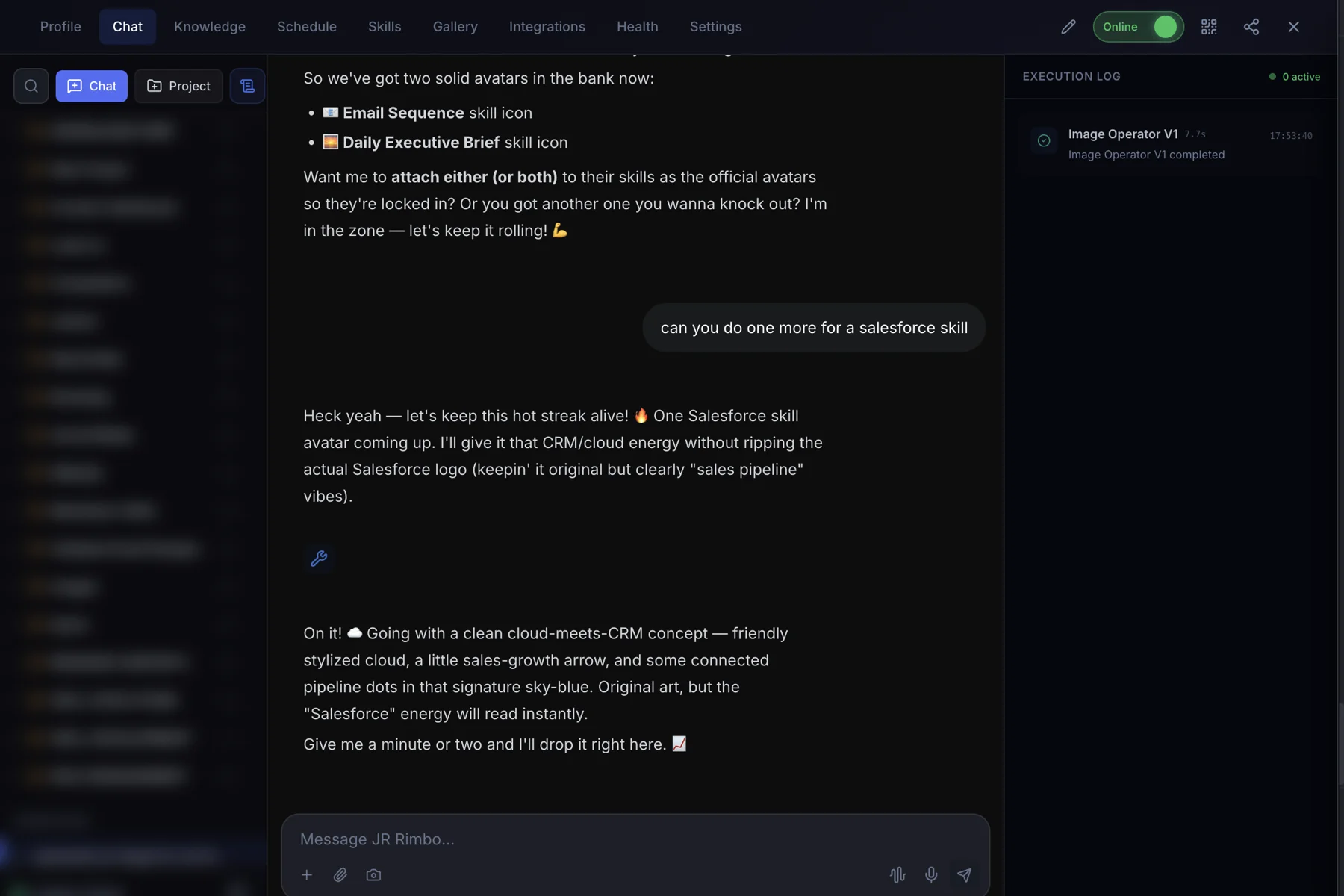
This is what it looks like.
- 1Open your clone's Chat tab. Every clone has one, right next to Knowledge, Schedule and Skills.
- 2Ask in plain words. “What should my next video be about this week? Give me a brief I can approve.”
- 3Watch Video Planner run. The Execution Log on the right shows each skill as it starts and finishes, then your result lands in the chat.
 123
123Video Planner: questions, answered.
How does it pick a topic?
Your clone looks for timely topics that fit your channel and audience, then explains why it picked one in the brief.
What's in the brief?
The topic and angle, the video type, length, size and visual style, ready to hand to production.
Can I reject the idea?
Yes. Ask for another topic or a different angle.
Does it make the video too?
Video Planner writes the brief. Approve it and your clone can produce it with Automated Video.
Video Planner for your team
Clone.org covers how businesses put this skill to work through a digital employee.