
UGC-style videos from a few product photos
Send up to four photos and say what you want. Your clone makes a 30-second clip that feels like a real customer filmed it.
Content that looks like a real person filmed it on their phone tends to fit right in on social feeds. UGC Video lets your clone make that style of clip for your product. Send one to four reference images and describe the scene, like unboxing, first use or a quick reaction, and get a 30-second video back.
It's built for small brands and makers who need fresh social content but can't hire creators every week. Try different hooks and scenes on the same product, like a morning routine, a gift reveal or a funny reaction, and post the ones that fit your feed best. Each clip is ready for Reels, TikTok or your shop page.
Just tell your clone: UGC Video
Type it the way you'd say it. Tap any line to copy it.
- Make a UGC video of someone unboxing my candle and loving the scent. Here are 3 photos.Copy
- Make a UGC-style clip of a woman trying my hair oil in her bathroom mirror.Copy
- Show someone opening my handmade soap gift box at the kitchen table. Cozy morning light.Copy
- Make a UGC clip of a guy reacting to my hot sauce. Funny, a bit dramatic.Copy
- Make two versions with different hooks for my phone case. Same photos.Copy
- Make a UGC-style video of someone packing my travel cubes into a suitcase.Copy
This is what it looks like.
- 1Open your clone's Chat tab. Every clone has one, right next to Knowledge, Schedule and Skills.
- 2Ask in plain words. “Make a UGC-style video of someone unboxing our candle and loving the scent. Here are 3 product photos.”
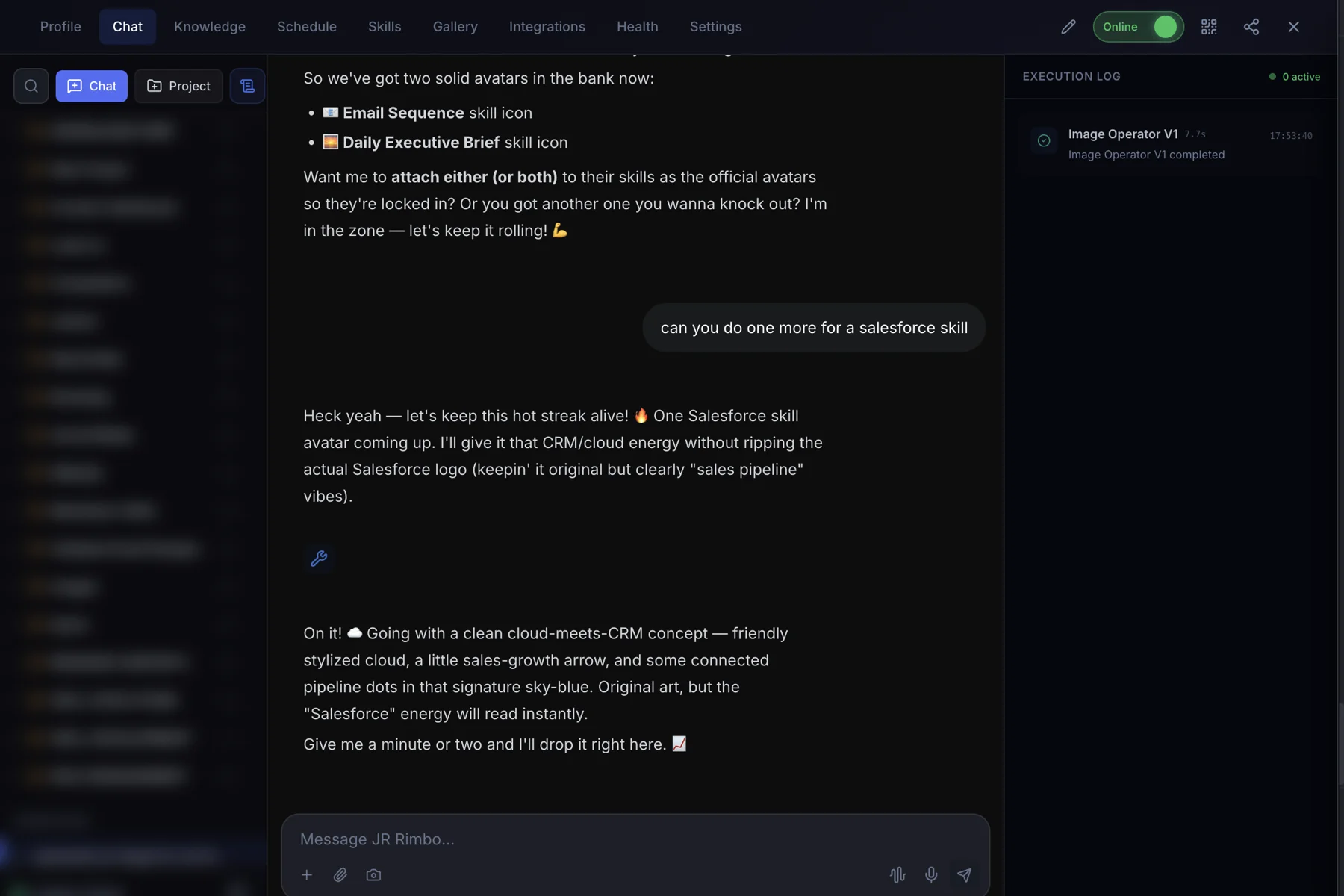
- 3Watch UGC Video run. The Execution Log on the right shows each skill as it starts and finishes, then your result lands in the chat.
 123
123UGC Video: questions, answered.
How many images can I send?
One to four reference images. More angles help your clone keep the product looking right.
How long is the video?
UGC Video makes 30-second clips.
Does it use real people?
The people in the clip are generated. The style mimics phone-shot customer content.
Can I post it as an ad?
Yes. Follow each platform's rules for ads and disclosures when you post.
UGC Video for your team
Clone.org covers how businesses put this skill to work through a digital employee.